概述
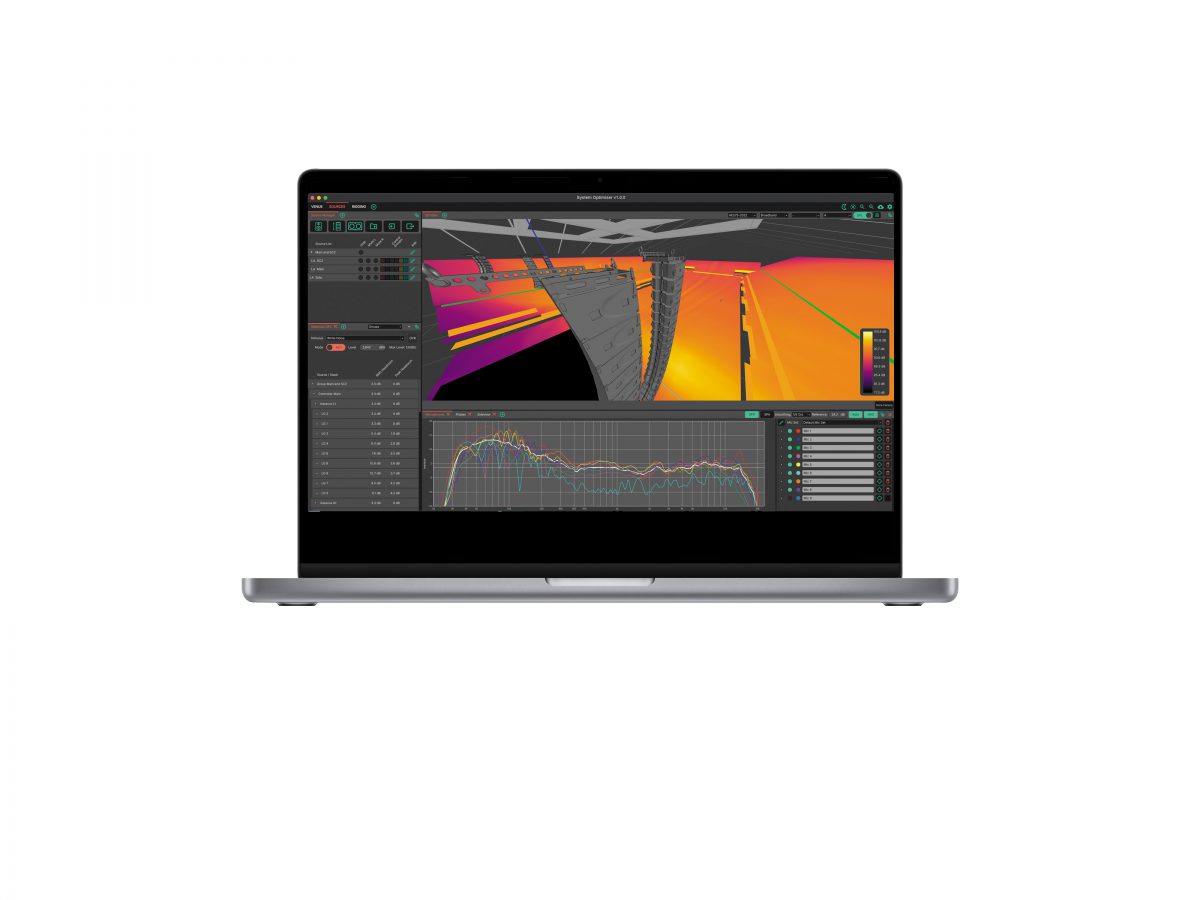
在任意3D场景中,以无以伦比的精度与速度,模拟CODA Audio扬声器的性能表现。注册用户目前可以使用原生的系统优化软件应用程序(macOS / Windows / Linux)。
在开始对系统进行任何更新之前,请仔细阅读所有相关文档。
现在注册 在线手册 软件下载
最新发布日期:05.11.2026(2026年11月5日)
System Optimiser v1.2.0新增功能 …
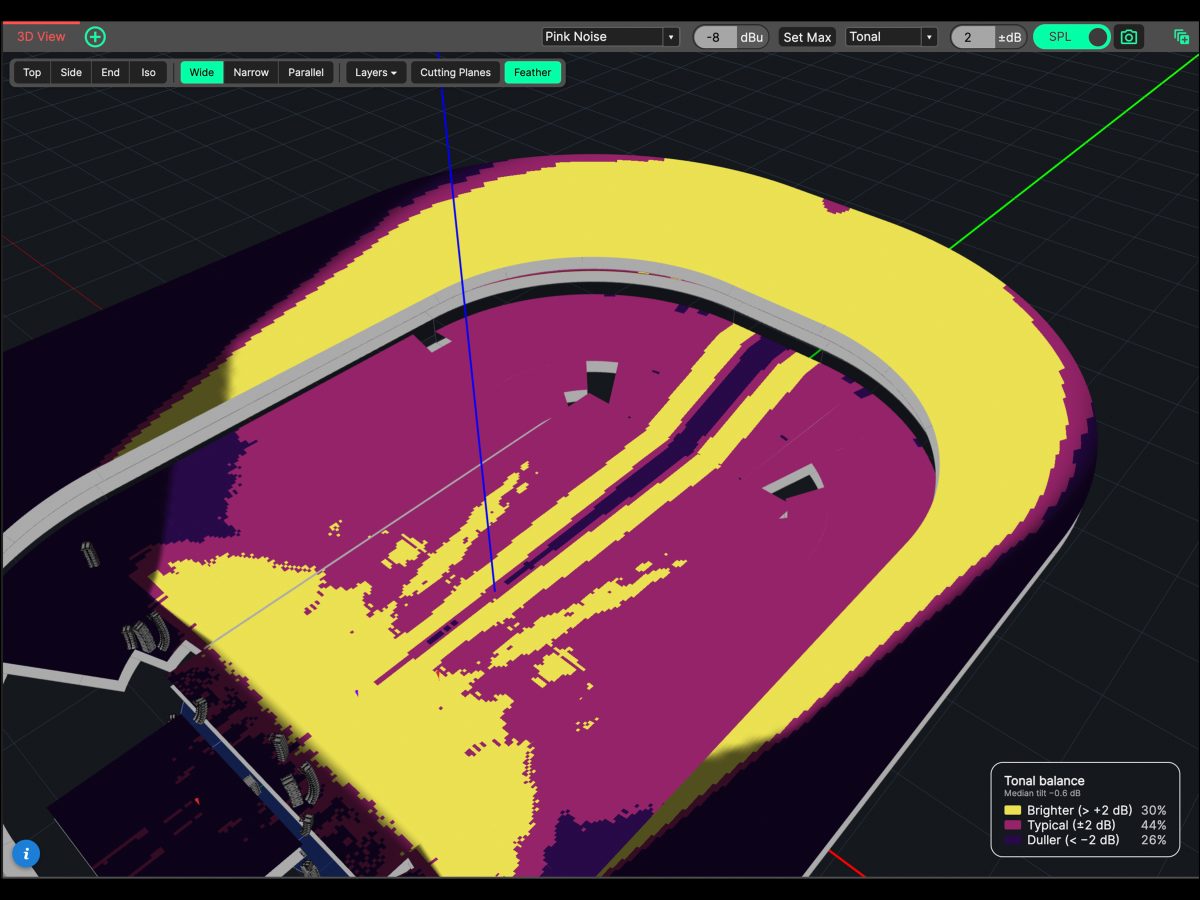
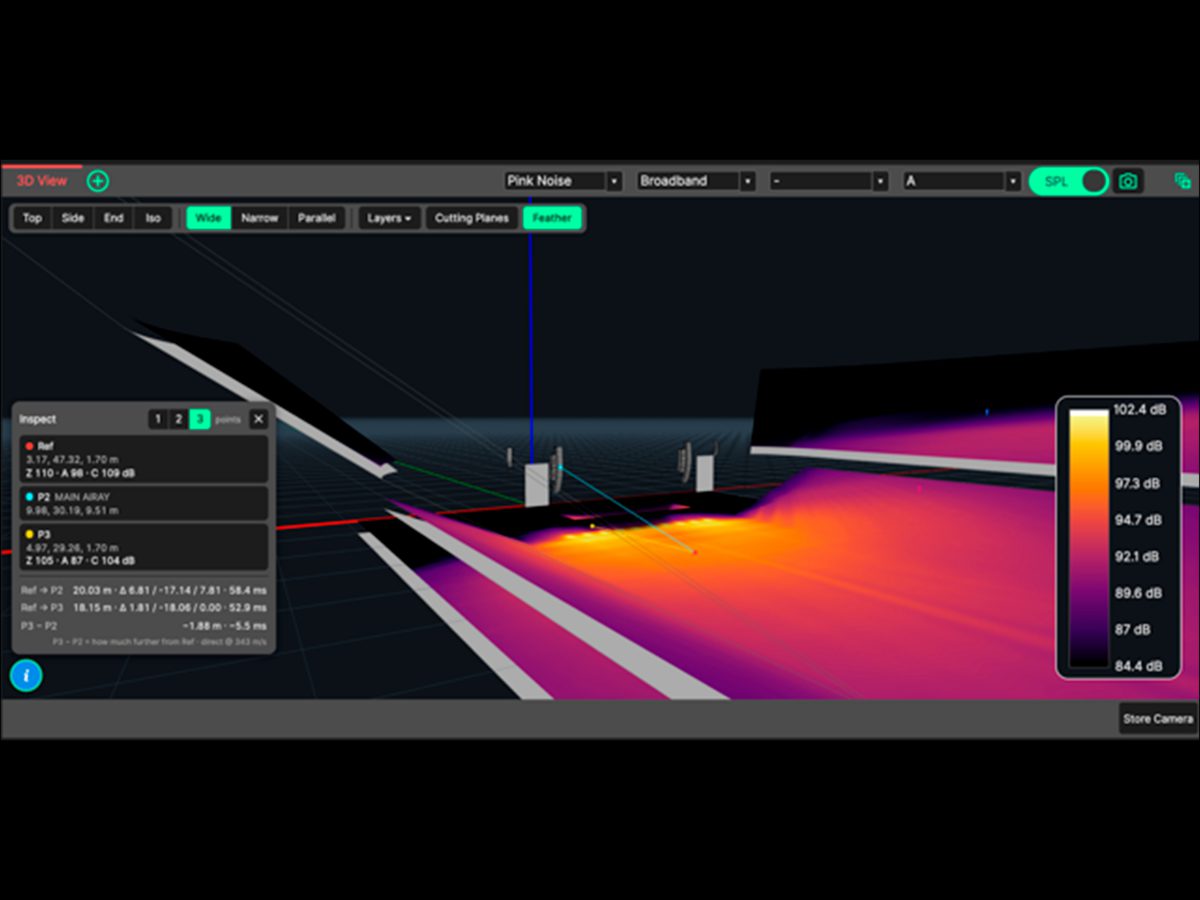
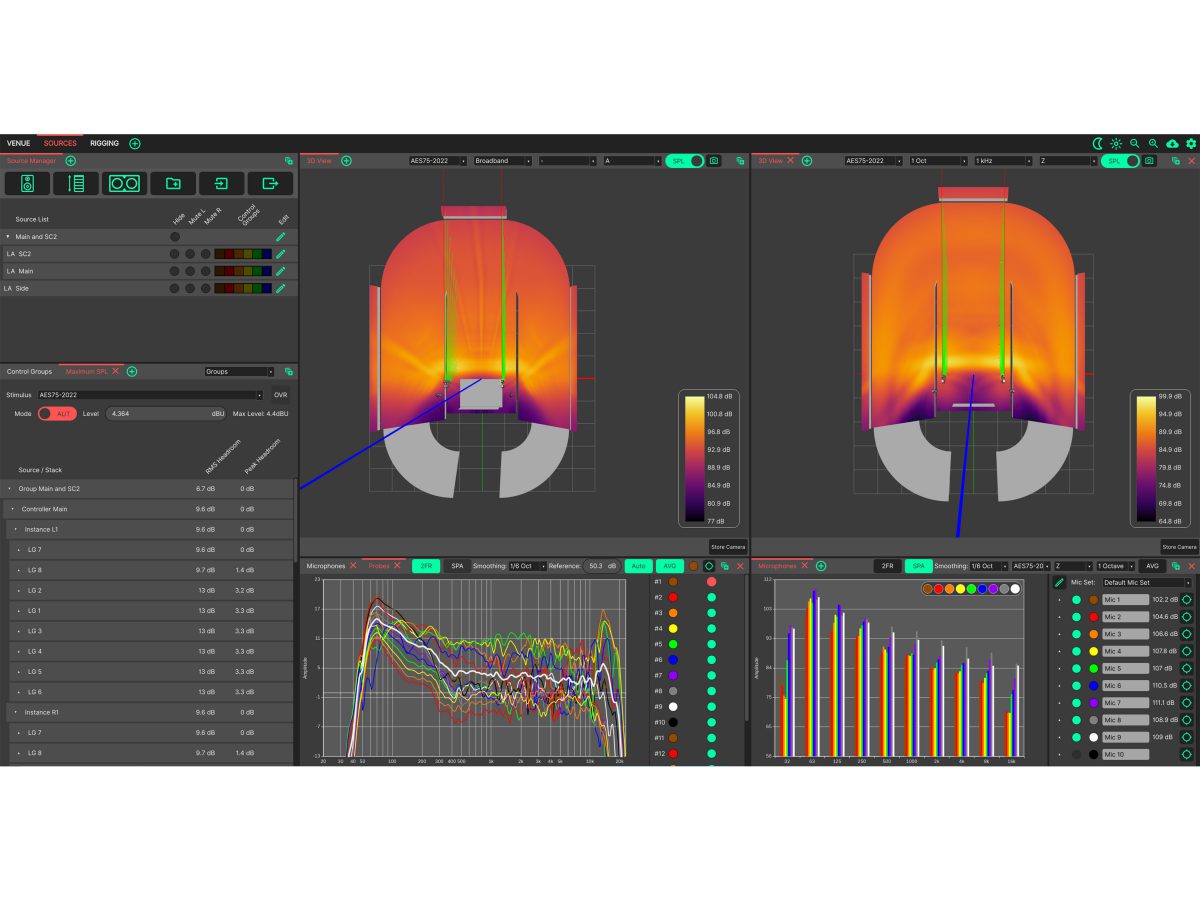
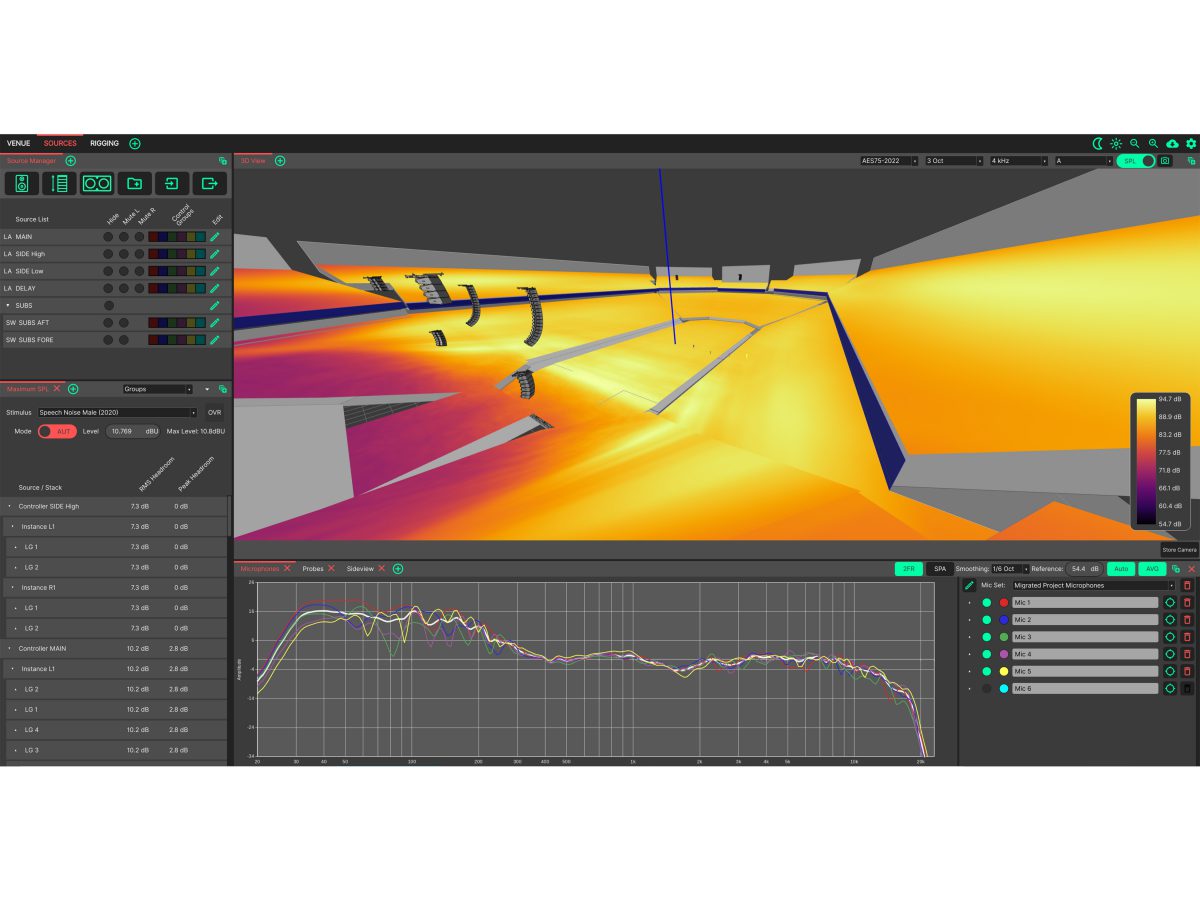
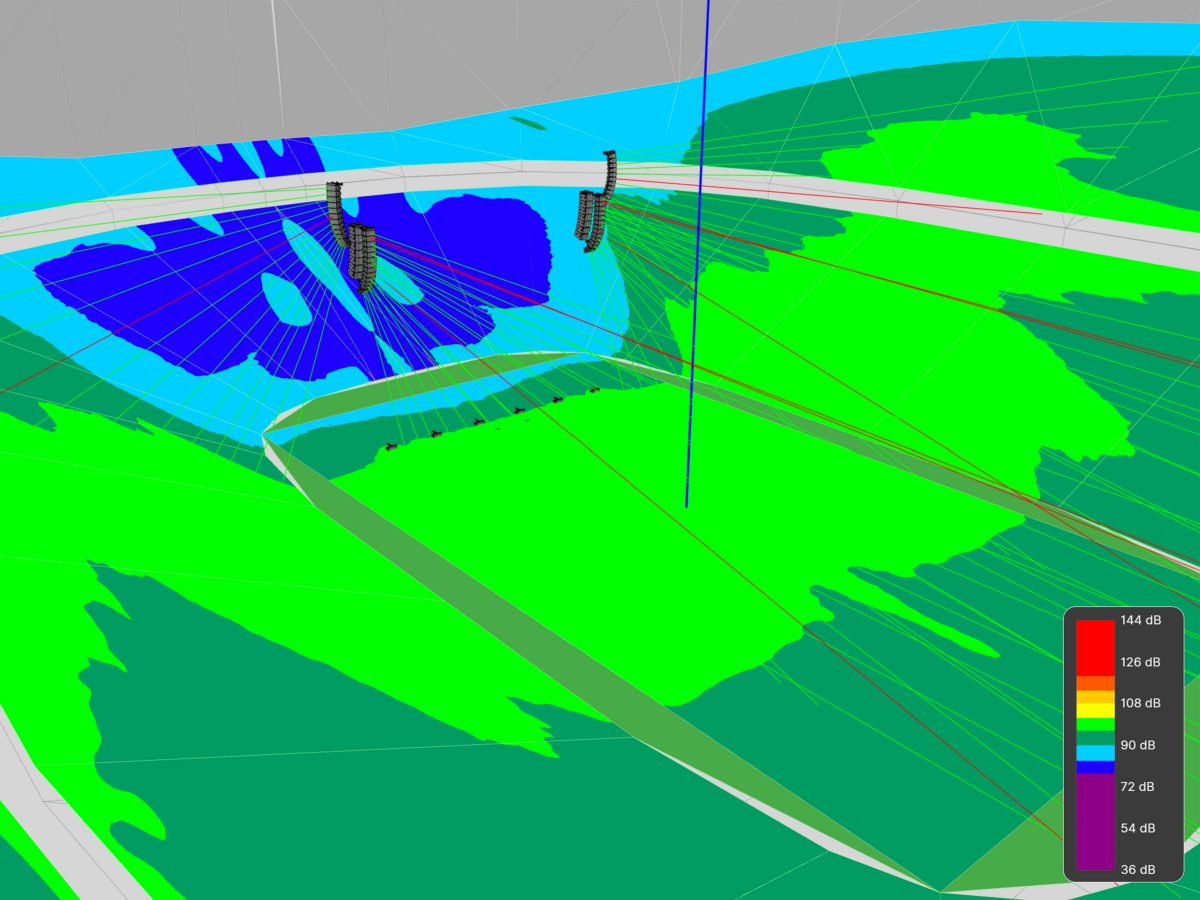
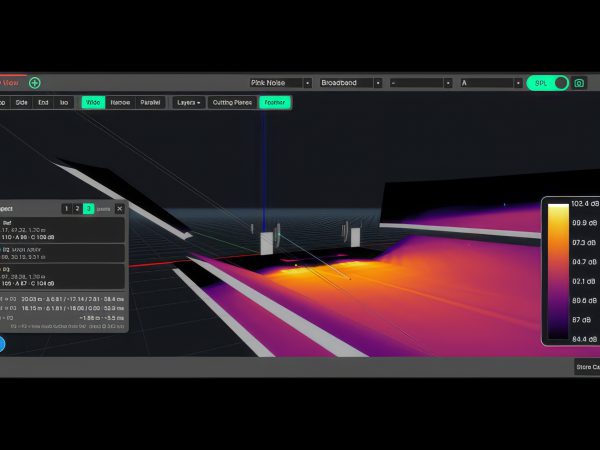
- Tonal Mapping: Evaluate spectral consistency across an audience in an instant. The new 3D heatmap mode benchmarks coverage against the venue median, clearly identifying areas that are brighter, typical, or duller, delivering an even tonal balance everywhere.
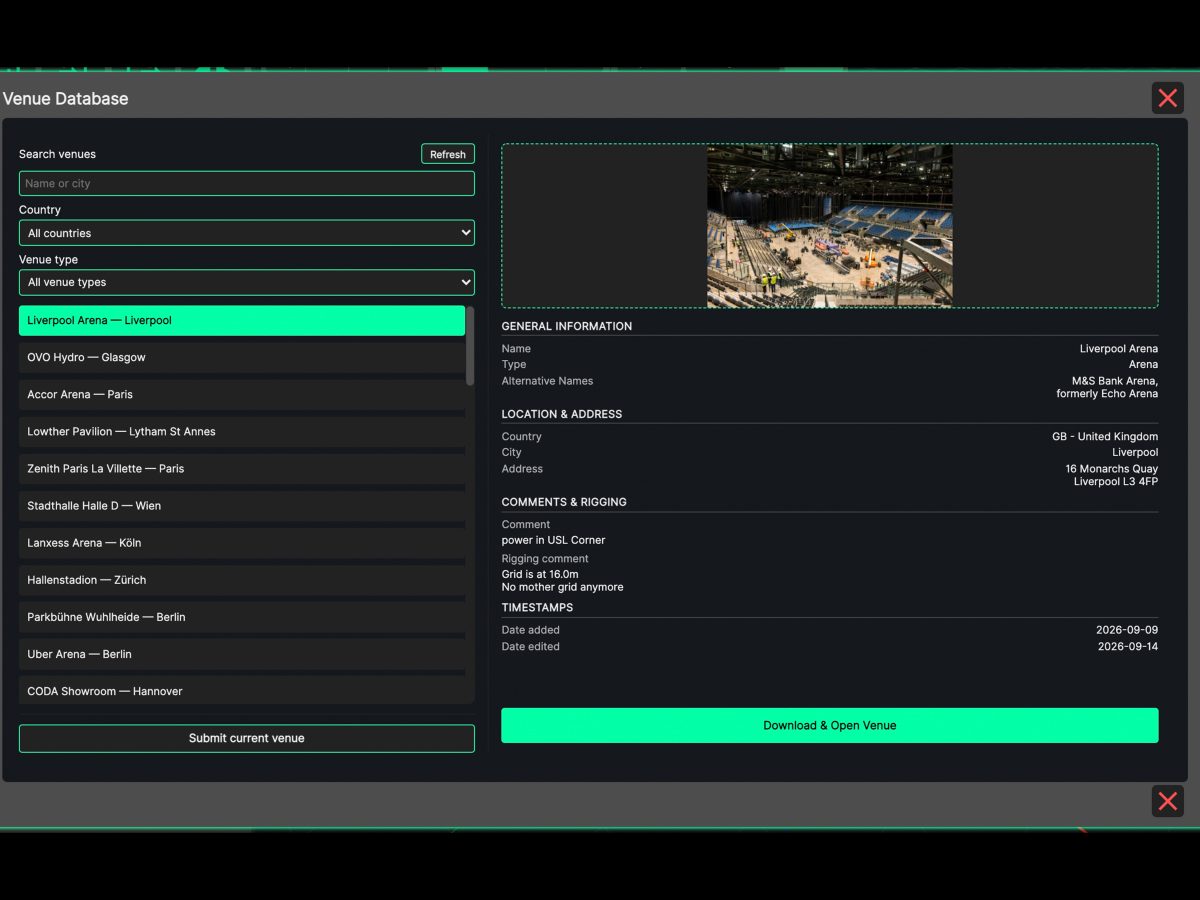
- Integrated Venue Database: Save time on venue design. Browse, search, and download user-submitted venue models directly within the app, or share your own designs with the global community.
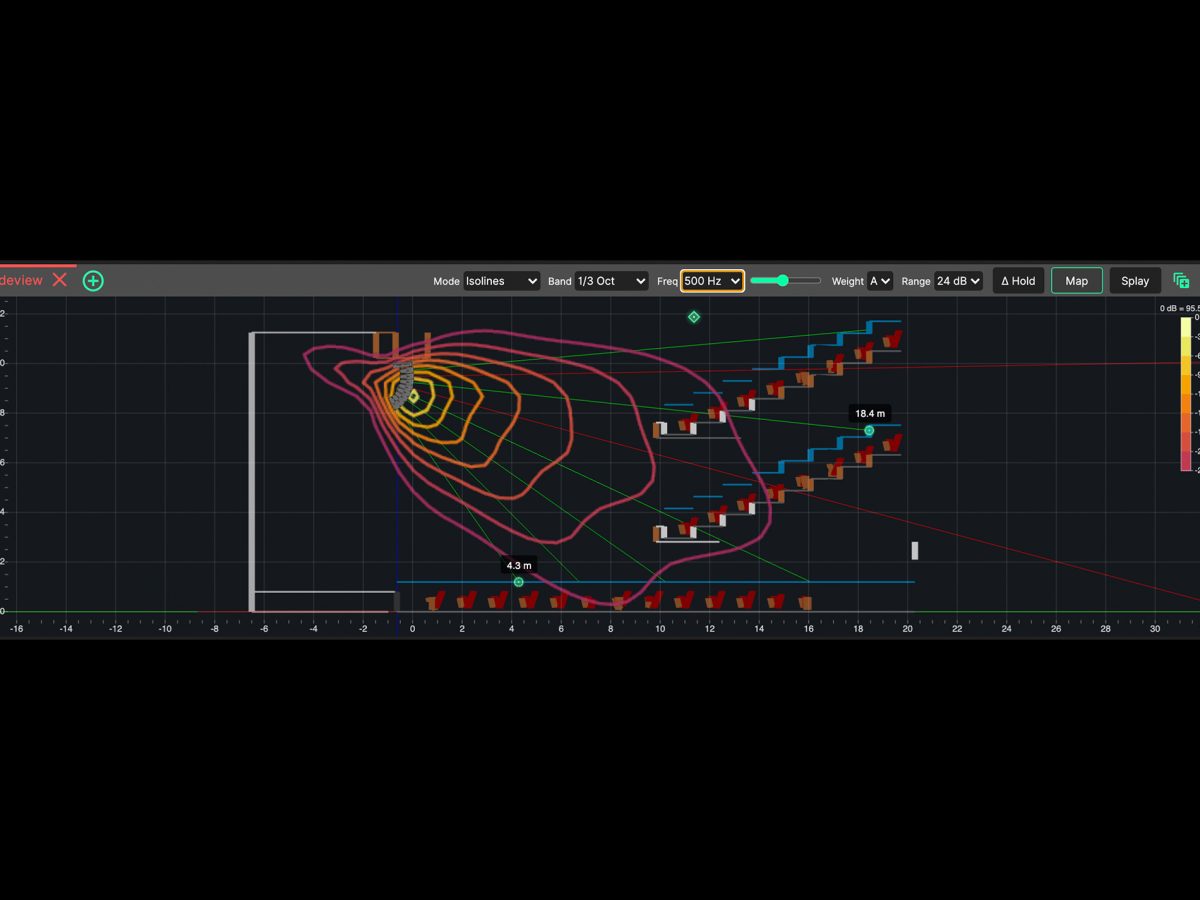
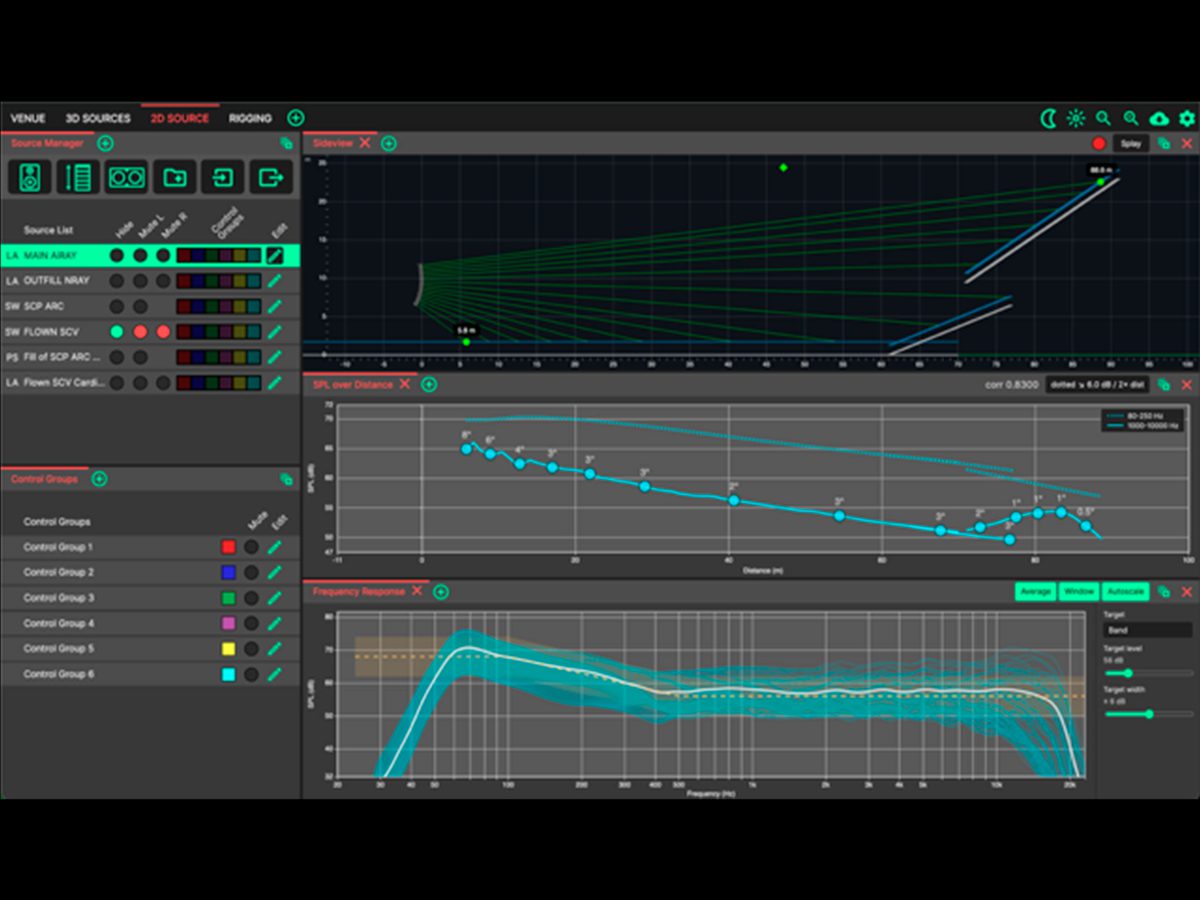
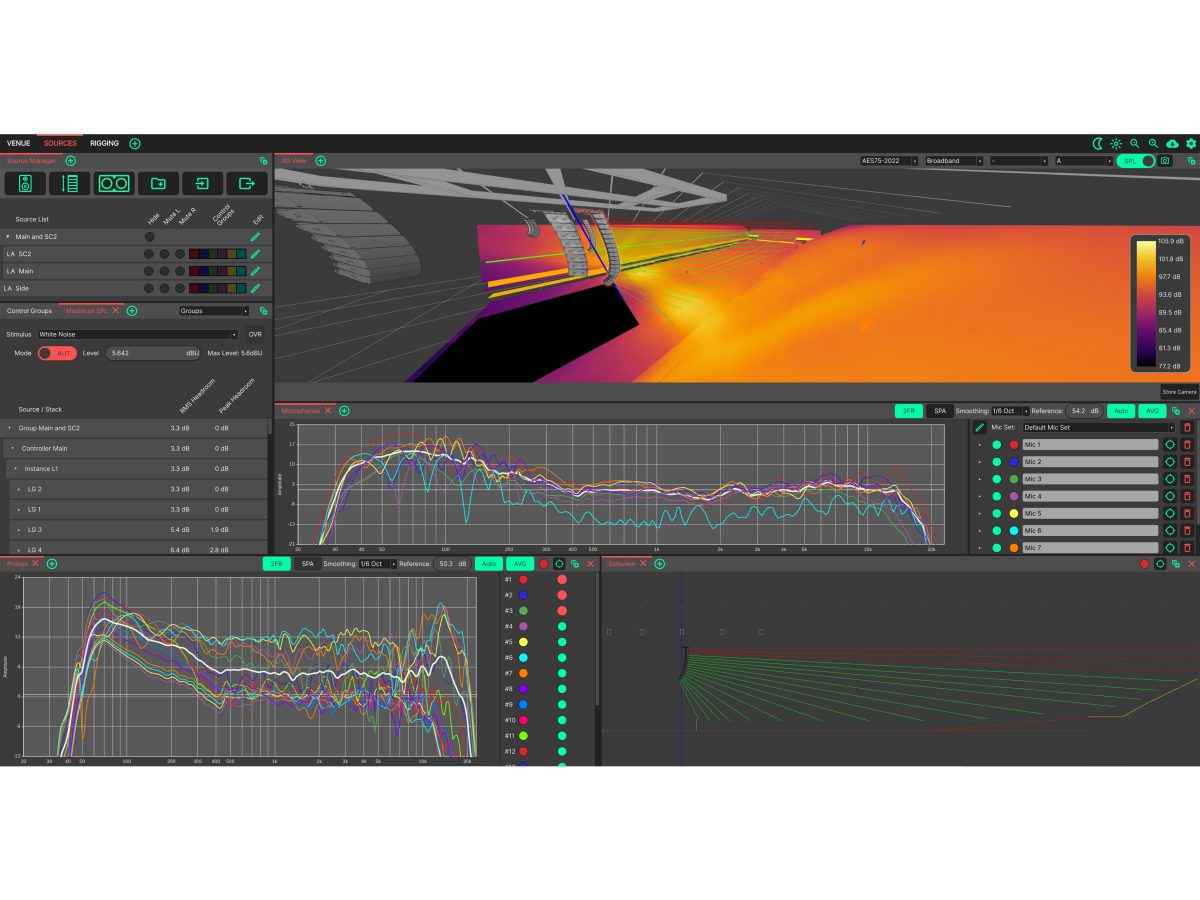
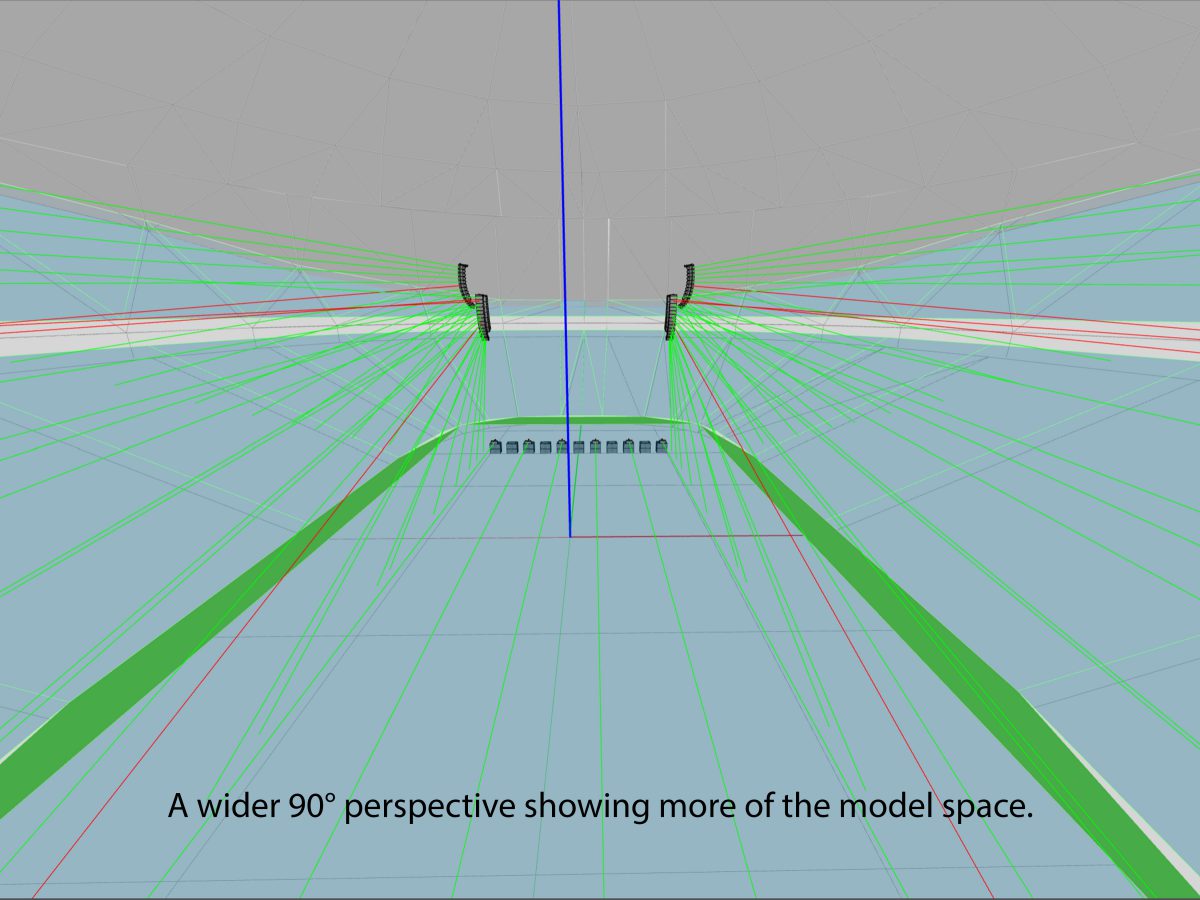
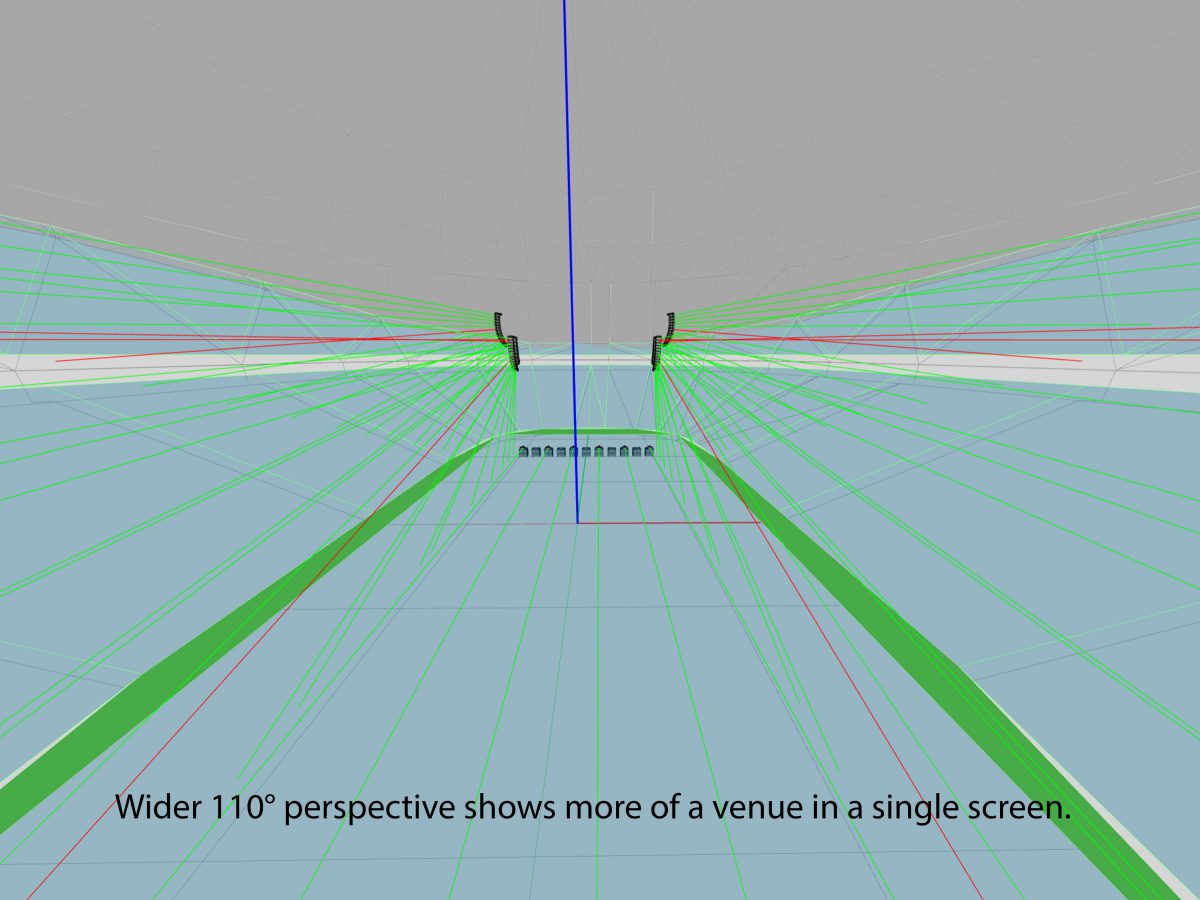
- Vertical SPL Mapping in Sideview: Gain deeper insights into array behavior in the vertical plane. Visualize heatmaps, isolines, or attenuation, directly in Sideview, complete with a frequency sweep slider and Hold feature to make instant before-and-after comparisons.
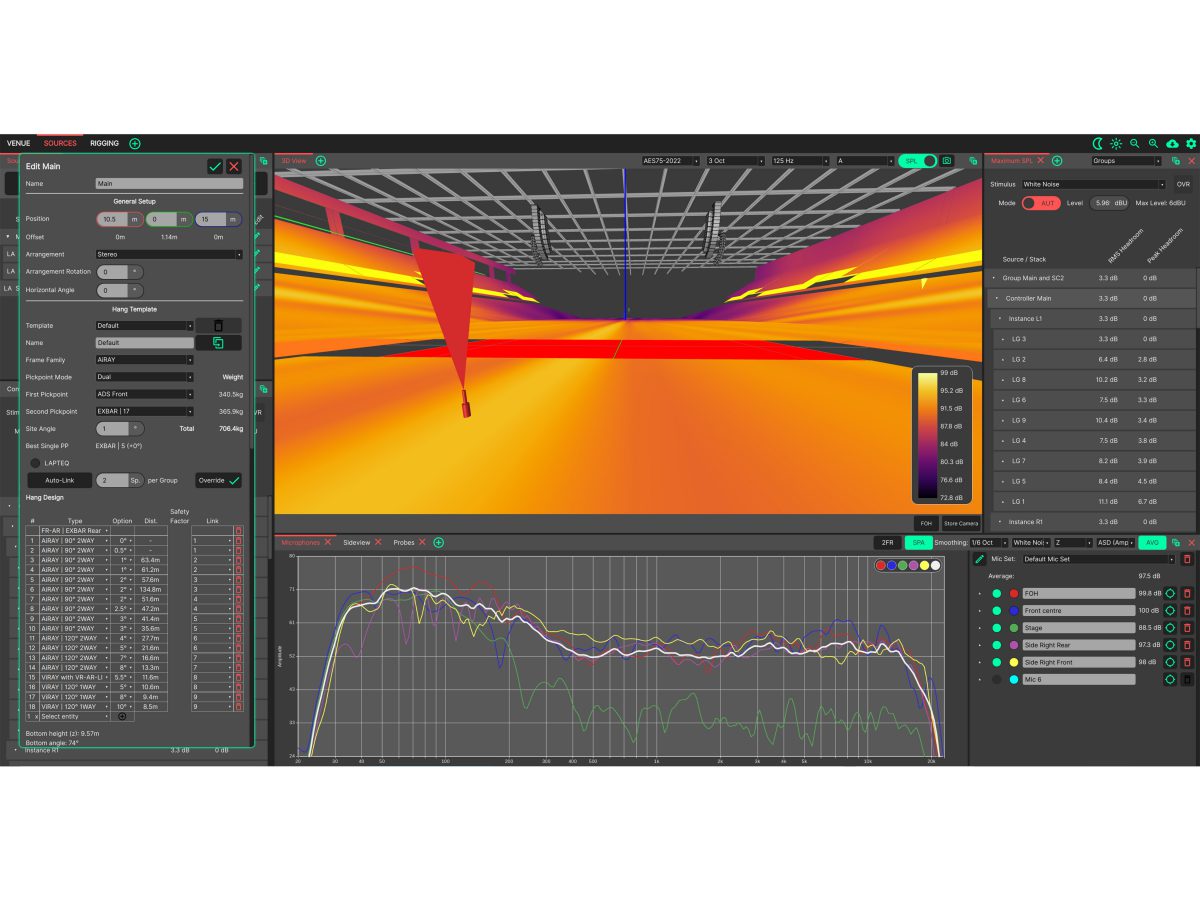
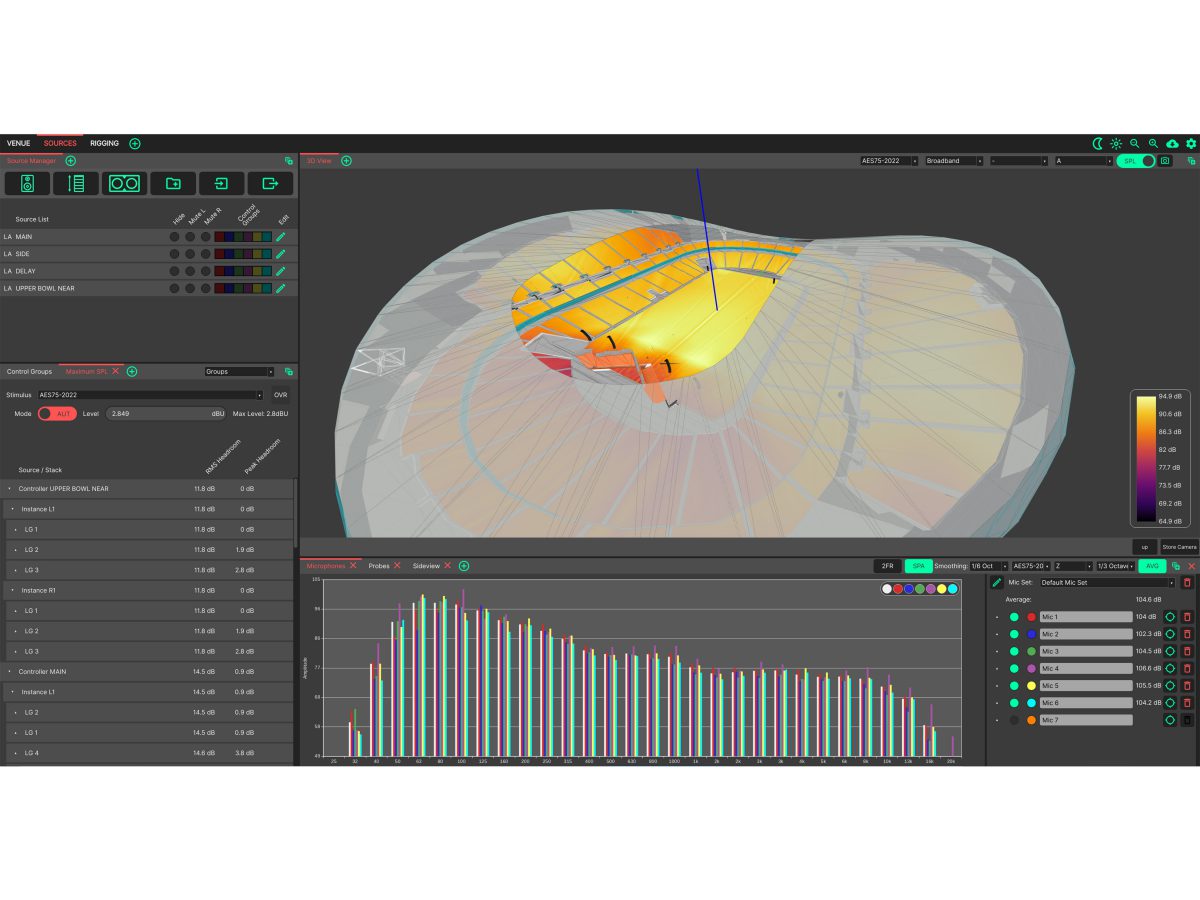
- Redesigned Maximum SPL & Headroom Analysis: Stimulus controls are now centralised in the 3D View header alongside a new ‘Set Max’ button to drive the system to its limit instantly. The dedicated Headroom panel now focuses purely on clear, actionable max SPL analysis.
- Fixes and Improvements:
- ADDED: Tonal Mapping – a new mode for the 3D View’s heat map that shows how consistent the tonal balance is across the audience, marking every area as brighter, typical or duller than the venue’s median.
- ADDED: Integrated Venue Database for sharing venue data – browse, search, and download venues drawn by other users, and submit your own.
- ADDED: Vertical SPL mapping in the Sideview – Heatmap, Isolines, or Attenuation of the array’s coverage in the vertical plane, incorporating a frequency sweep slider and hold to compare before and after a change.
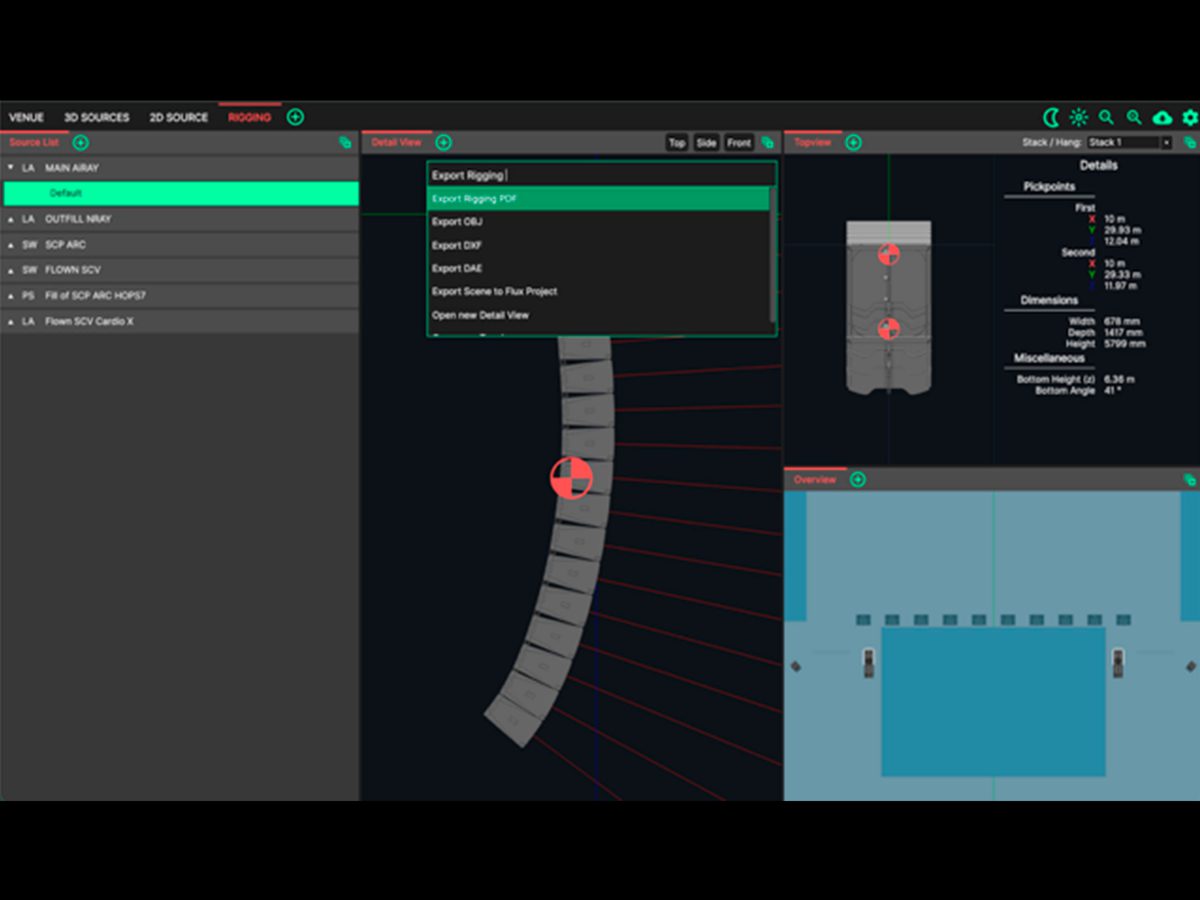
- ADDED: Exports can be accessed from the new ‘Export’ menu in the native menu bar.
- ADDED: Optional third (dashed) line in the SPL over Distance panel, and a weighting choice for broadband line.
- ADDED: Group mute in the Source Manager – mute every source in a group at once, without changing the sources’ own mute setting.
- ADDED: ‘Set Max’ button in the 3D View header sets the stimulus level to the maximum the system can take.
- ADDED: Cutting planes are saved with the project.
- ADDED: Venue country is now chosen from a list in the Venue Settings.
- FIXED: Aim Discs and Feather for asymmetric dispersion variants.
- FIXED: Feather could sometimes draw stripes on Vertical Arrays of APS.
- FIXED: Aim Discs were drawn through transparent surfaces and ignored the cutting planes.
- FIXED: Performance improvements for the 3D view.
- FIXED: Importing very large venues could stall when switching tabs.
- FIXED: Conversion to user-selected units in more panels (Rigging, Source Editor)
- FIXED: Custom views can have multiple 3D views with different mappings
- FIXED: Clicking view presets in the 3D view could inadvertently select random layers.
- FIXED: The Inspect tool could read a different band from the one shown in the 3D View.
- FIXED: Crashes when toggling the Laser, or when editing sources with SPL mapping on.
- CHANGED: MaxSPL settings are now linked to the Stimulus settings and the MaxSPL panel has been redesigned: the stimulus and its level are set in the 3D View header, and the Maximum SPL / Headroom panel is now dedicated to headroom analysis. Auto mode has been removed – projects saved in Auto mode open at their maximum level, in manual mode.
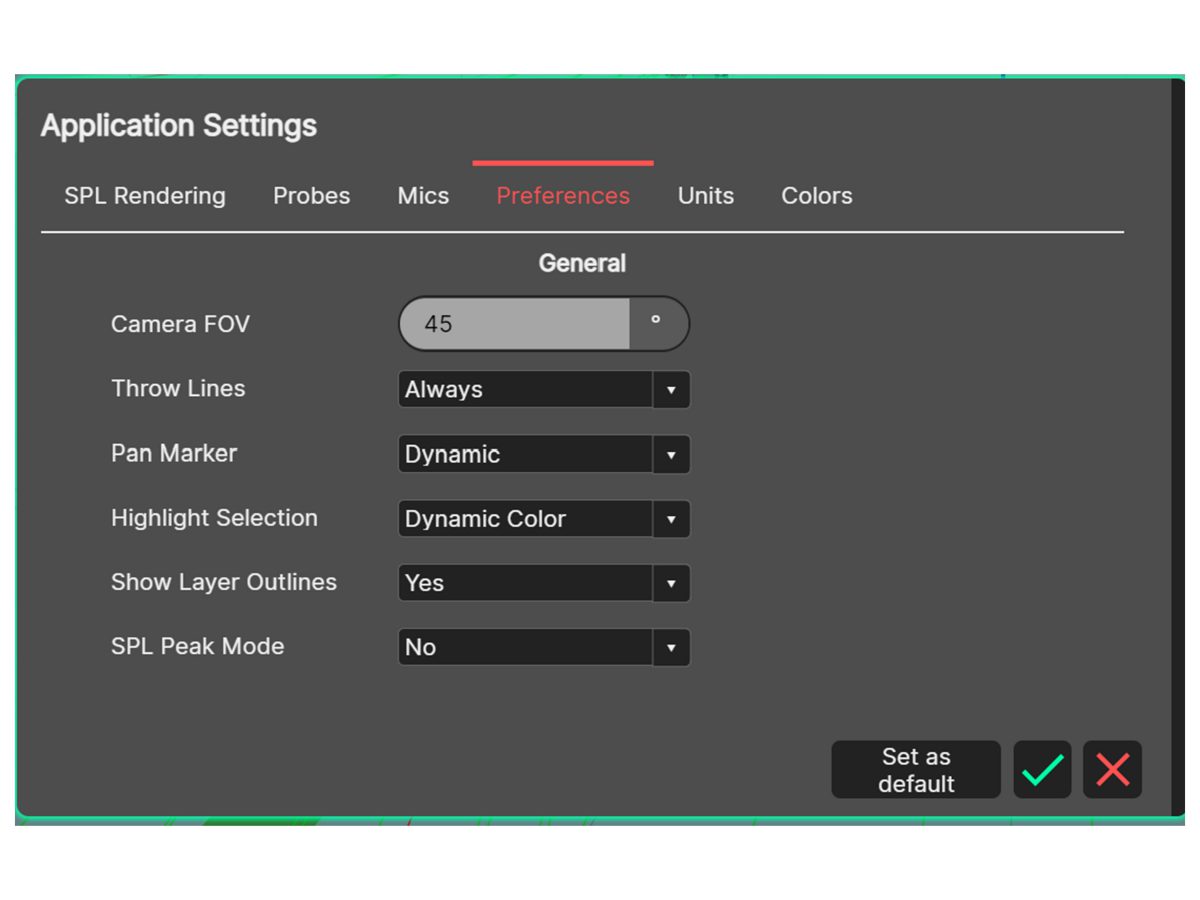
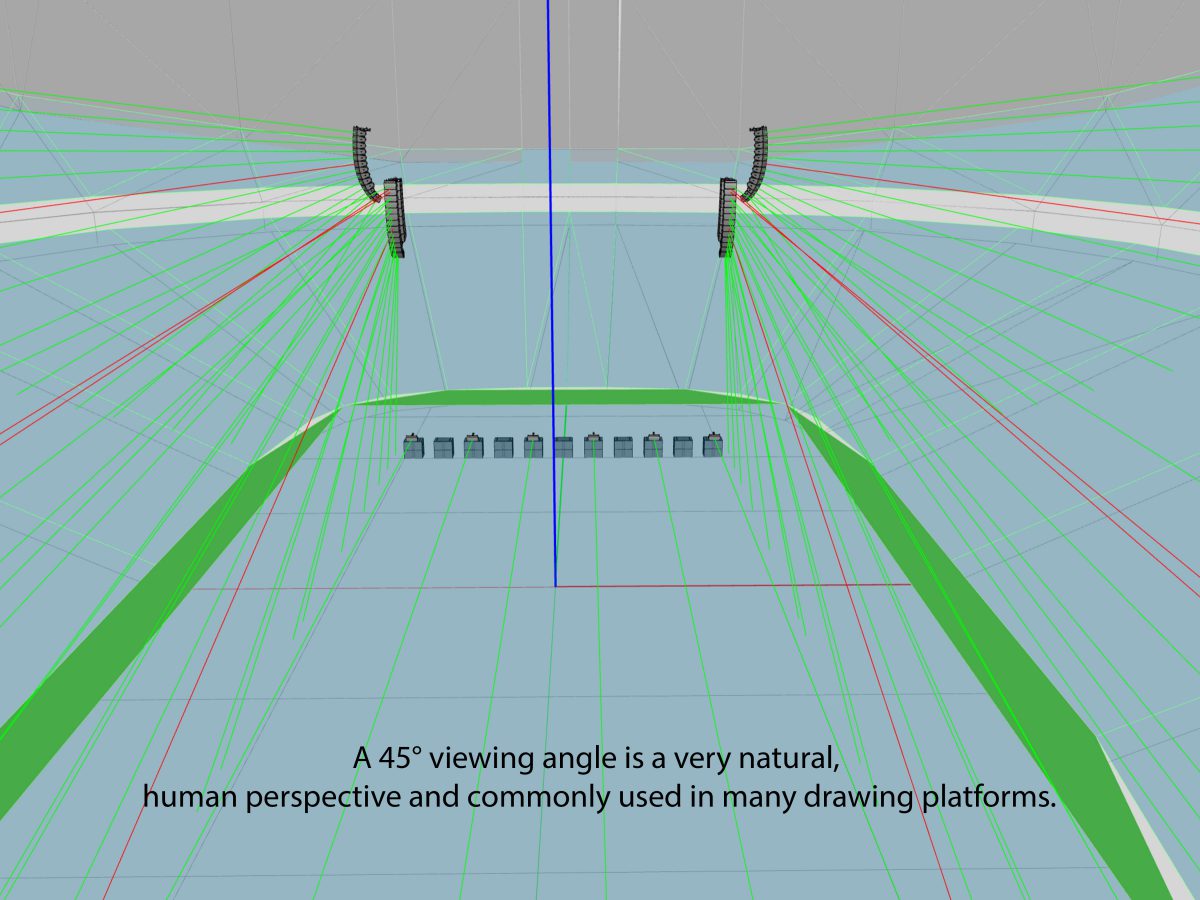
- CHANGED: Throwlines can be enabled in settings again – Show Aim As chooses Aim Discs, Throw Lines or both.
- CHANGED: Layer and Source editor are stand-alone panels now rather than modal popup windows – Edit Source and Edit Layer follow the selection, and the edit pencils have been removed from the Source and Layer Manager lists.
- CHANGED: Laser is now independent of Throwlines.
- CHANGED: Cutting planes now apply to every 3D View at once.
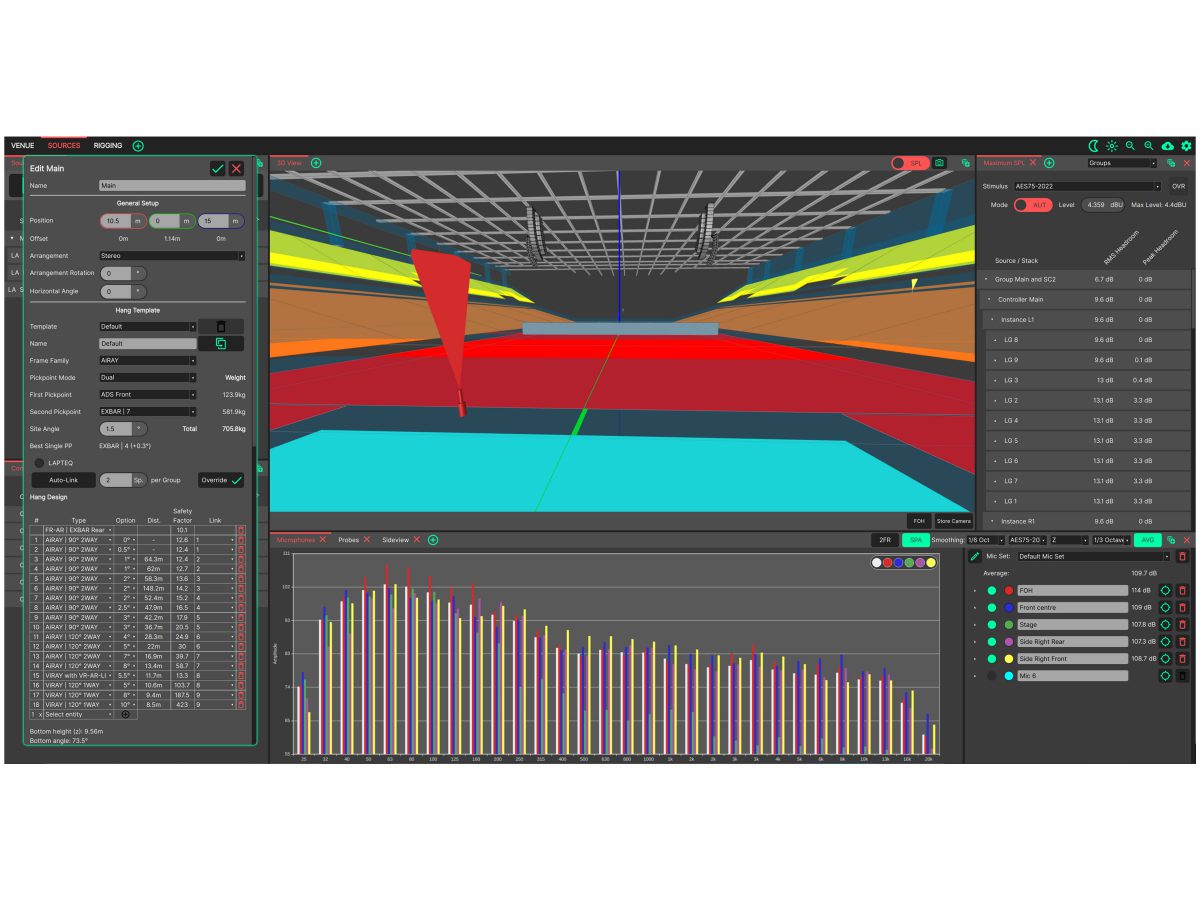
- CHANGED: More information in Rigging Details panel: site angle, pickpoint weights and total weight
- CHANGED: Clicking the empty space in the Layer Manager clears the selection.
- CHANGED: Rigging PDF is now compressed to reduce file size.
- CHANGED: In the Rigging PDF the order of subwoofers in the stack now matches their physical order.
- CHANGED: System Optimiser checks for updates when it starts, and shows a notification when a new version is available.
CODA System Optimiser V1.2.0
轻松设计各种大小各类规模的音频系统,从最小型会议室到最大型体育场馆。要为客户制作项目计划书?CODA System Optimiser系统优化软件能为你绘制详细的充满强烈真实感的声压级覆盖图。赶时间?工作的流程在某种程度上相当于其结果的准确性,出于这种考虑,CODA System Optimiser为系统设计师们提供了许多定制化的工具。
准确性
电脑辅助设计技术能在极短的时间内优化系统配置并快速导出结果。这些预测结果完全基于现实工作的电声测量,以及大量应用多面多极(multifaceted multipole)扩展。一个高度复杂环境模型被建立;包括模型环境中的温度,结露点,湿度以及海拔高度。利用先进的连续相位(continuous phase)技术,复杂的响应功能可以从一个画面逐渐过渡到另外任意一个画面来显示,最后的结果是实现一个几乎与现实难以区别的真实自由场预测结果(authentic free-field predictions)。
强大功能
CODA System Optimiser系统优化软件包含了各种巧妙的工具来轻松创建复杂模型。布局工具(layout tool)能以各种形状与排列形式来布置扬声器。模板引擎(The template engine)则是在布局系统中一个管理实体对象的强有力方式。测试话筒(Measurement microphones)可以布置在3D场景中的任意位置。而探测器(Probes)则是测试话筒的扩展,可以轻松选择线阵列的角度。链接群组(Link Groups)功能定义线阵列如何被连接,同时使得电子滤波器被应用于校正距离与伸展角度。